Your account starts here. Your Mind continues on your phone.
Build your Mind in the app.
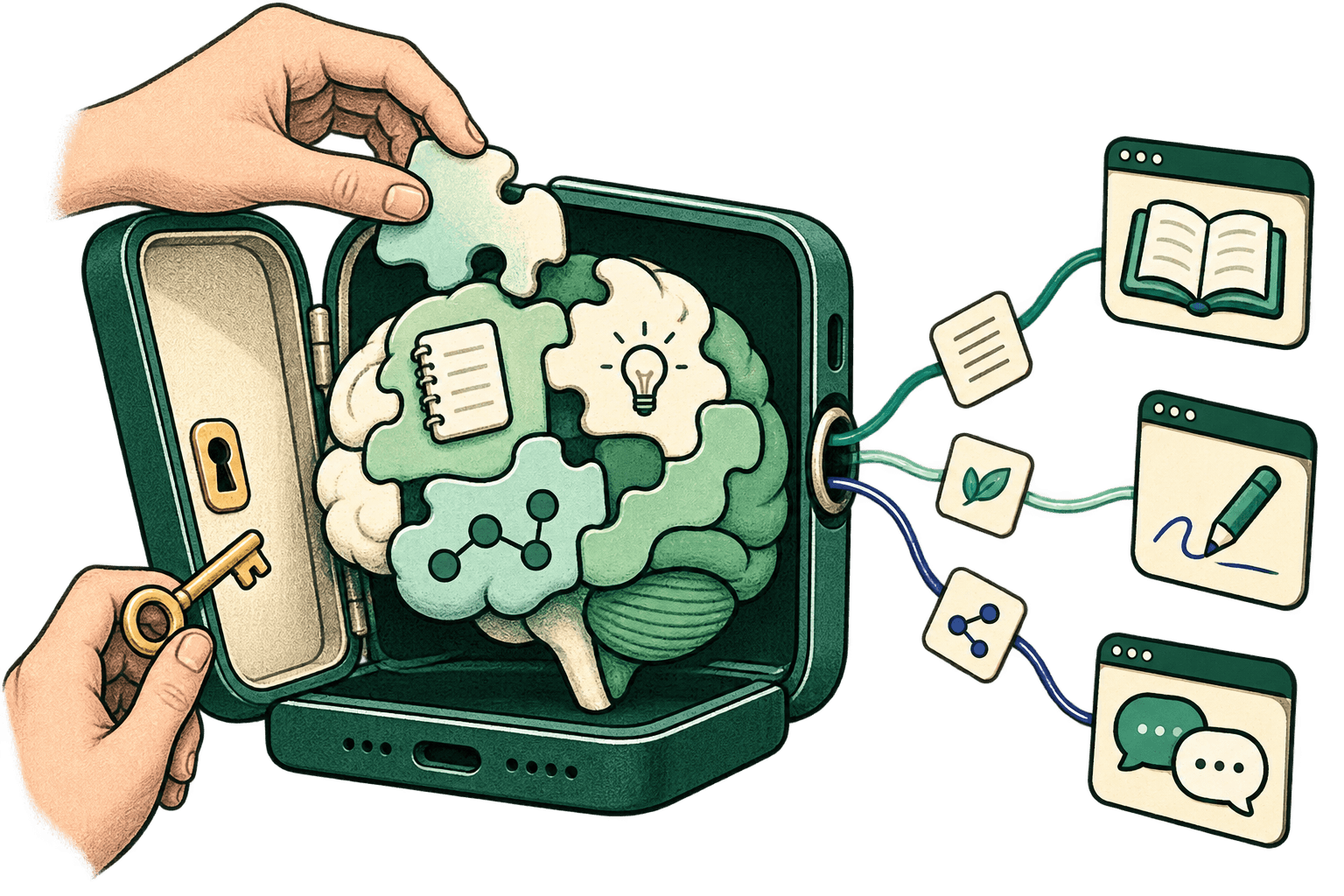
Your memories, ideas, preferences and goals belong together. The S.A.I. app keeps an encrypted copy with you and gives you one place to manage it.
Open the downloaded APK and follow Android's install steps. Then open S.A.I. It receives the latest preview when online.
iPhone release is still being prepared. Keep your account; you do not need to create another one when it arrives.
1. Sign in on your phone
Use the account you just created. If signup started in the app, approve that phone in your browser, then return to S.A.I.
2. Set up your phone copy
Copy your existing Mind, restore a backup, or start with an empty copy. Copying does not delete your server data.
3. Keep a way back
Save your recovery code away from your phone. Then open You > Backup and choose where your encrypted backup goes.
Why the app?
Your Mind should be something you carry and control. The phone gives you encrypted local storage, recovery and backup controls together. The web handles your account; the app is where you use S.A.I.
Where is my data today?
Your phone holds an encrypted copy. Mind processing and some features still use MindsNet servers, and your existing server copy remains. Other apps keep their own data. App-only access does not yet mean everything is processed only on your phone.
Read the privacy details